
Introducing S3 Support in dsync: Lightning-Fast Direct Transfer

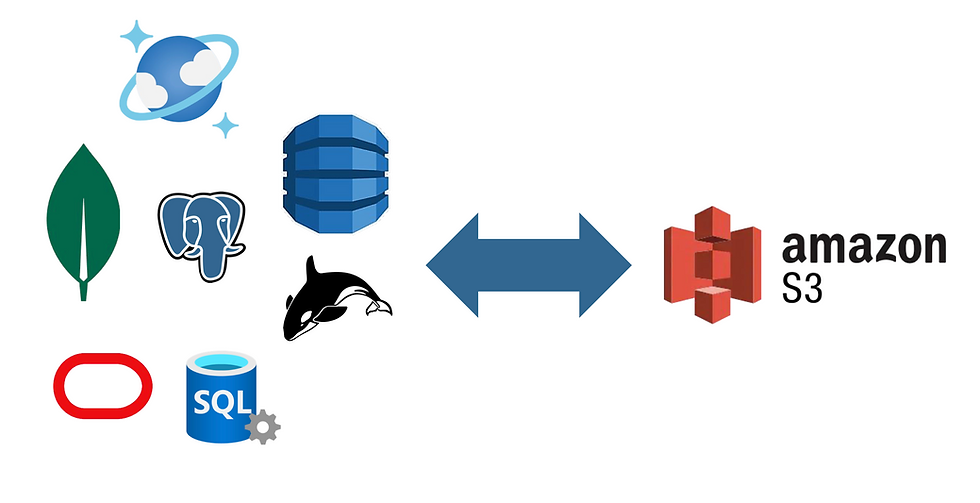
We're excited to announce that dsync now supports Amazon S3 as both a source and destination. This opens up powerful new possibilities for data migration workflows.
What This Means for You
With S3 support, you can now export data directly from any supported connector - including DynamoDB, Azure Cosmos DB, MongoDB, and PostgreSQL - straight to S3, or import it back just as easily. The process is:
Direct: No intermediate storage required
Fast: Fully parallelized operations
Simple: Clean, intuitive command structure
Your data is stored in S3 as organized JSON arrays within .json files, using a namespace-based directory structure that's both human-readable and machine-friendly.
Quick Example
Exporting two DynamoDB tables to S3 is as simple as:
./dsync --mode InitialSync --namespace "table1,table2" dynamodb s3://test
This creates the following structure in your s3://test bucket:
table1/
├── .metadata.json
├── xxxxxx.json
├── yyyyyy.json
└── ...

table2/
├── .metadata.json
├── aaaaaa.json
├── bbbbbb.json
└── ...
The .metadata.json file tracks record counts in each JSON file, enabling progress reporting during imports and quick validation of your data.
Flexible Imports
When importing from S3, dsync reads .json files from your specified path. The folder structure automatically maps to namespaces, even with nested directories. Best of all, imports work with any valid JSON array files - not just those created by dsync.
./dsync --mode InitialSync s3://test dynamodb
Want to validate your data without writing anywhere? Use the special /dev/null connector:
./dsync --mode InitialSync s3://test /dev/null --log-json
Why We Built This
This feature emerged from a real need: we required a robust solution for retaining large volumes of data from our internal deployments. After evaluating existing S3 export/import tools, we found them universally inadequate. Common issues included:
Requiring local disk dumps as intermediaries
Painfully slow performance
Complex, brittle automation
Whereas native DynamoDB export to S3 using AWS console took close to 9 hours, dsync took less than 10 minutes!
We built the S3 dsync connector to solve these problems for ourselves, and we're thrilled to share it with our customers and the community.
Fine-Tuning Your Exports
The S3 connector offers several options to customize behavior:
./dsync --mode InitialSync --namespace "table1,table2" dynamodb s3://test [options]
Available options:
--pretty-json – Format output files for readability
--max-total-memory – Control memory usage (default: 100MB)
--max-file-size – Set maximum file size in S3 (default: 10MB)
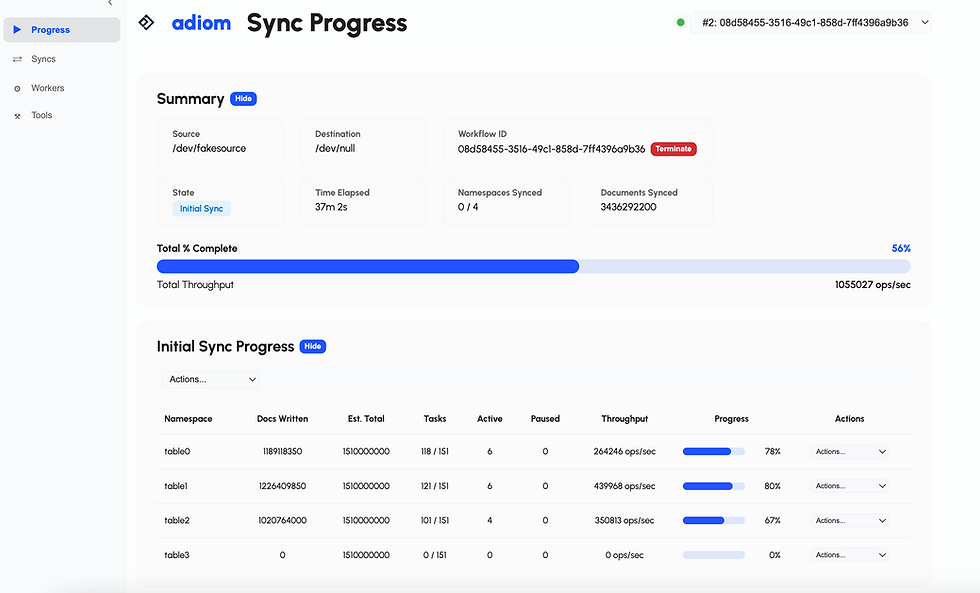
Prefer CLI progress output? Add the --progress and --logfile flags:
./dsync --progress --logfile /tmp/dsync.log --mode InitialSync \
  --namespace "table1,table2" dynamodb s3://test
Learn More
For complete documentation on dsync and its capabilities, visit our documentation.
Happy exporting-importing!

Comments